

 Français
 Deutsch
 Italiano
 Русский
 Español
 Português
 Nederlandse
 Ελληνικά
 日本語
 한국
 中文
 العربية
 हिन्दी
 Türkçe
 Indonesia
 Tiếng Việt
 ไทย
 বাংলা
 فارسی
 Polski
In Stock Big Small Sic Bo Casino System Software for Casino Dice Table Games
In Stock Big Small Sic Bo Casino System Software for Casino Dice Table Games
PRODUCT DESCRIPTION
This in-stock Big Small Sic Bo casino system software is ready for immediate dispatch, purpose-built for dice table game operations in high-traffic professional commercial gaming venues. It delivers real-time big/small result tracking, automatic road map updates and accurate odds calculation, fully eliminating manual scoring errors and streamlining daily dealer workflow for every single gaming round.
PRODUCT PARAMETER
| Brand Name | YANGMING |
| Type | Casino table games |
| Model No. | YM-EC-SI-V2 |
| Usage | Casino poker table games |
| Color | View product pictures, the actual product shall prevail |
| Menu | A.B.C.D.E.F.G |
| Game | Big/Small, Panther, Odd/Even |
| Language | Chinese, English |
| Logo | Customizable and replaceable |
| Moq | 5 SET |
| Sample | Sample service is not provided |
| Shipping | Choose air or sea transportation according to purchasing needs |
| HS CODE | 803001000(USB)/8471609000(Computer Host)8471609000(Computer Monitors) 8471607100(Wireless Keyboard)/8471607200(Wireless Mouse) |
Product Highlights
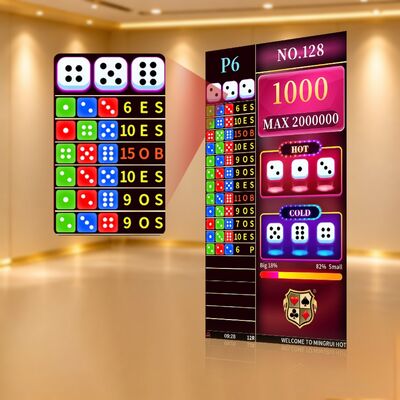
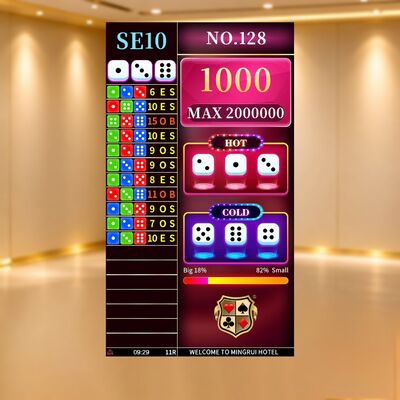
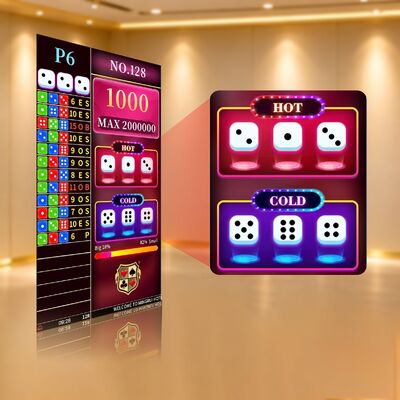
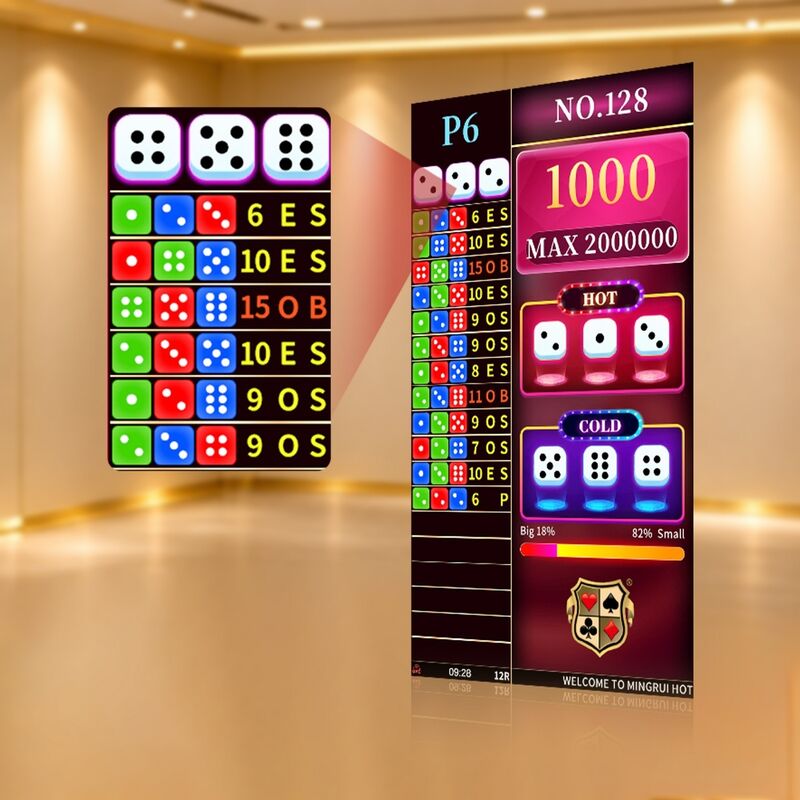
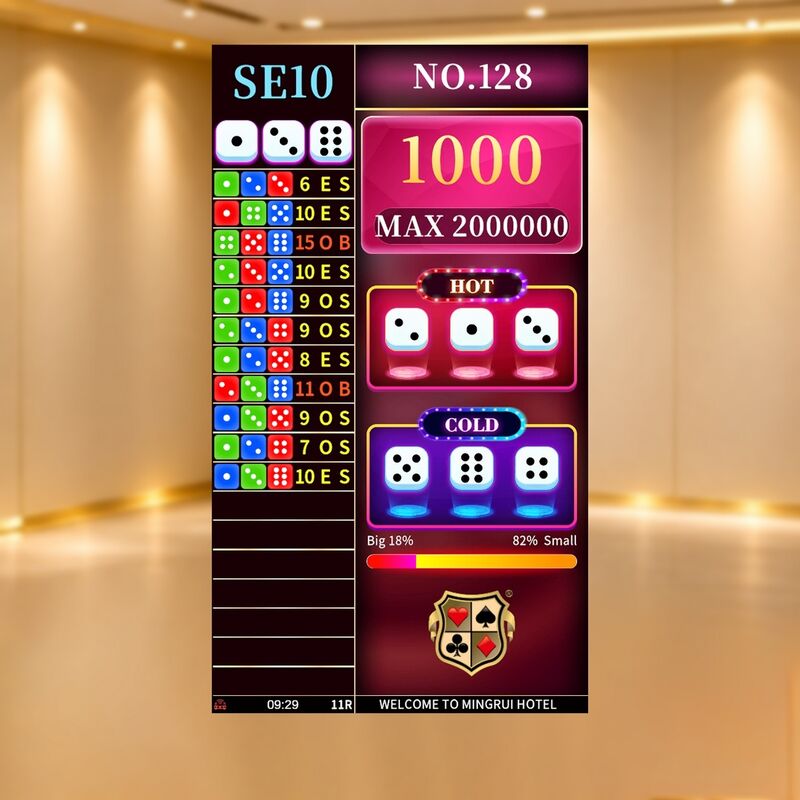
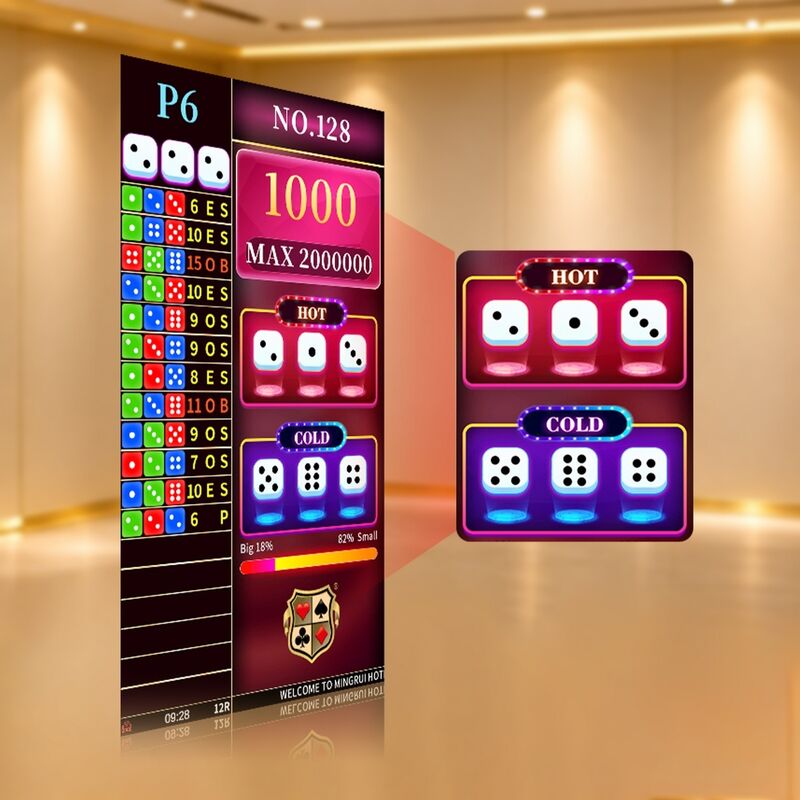
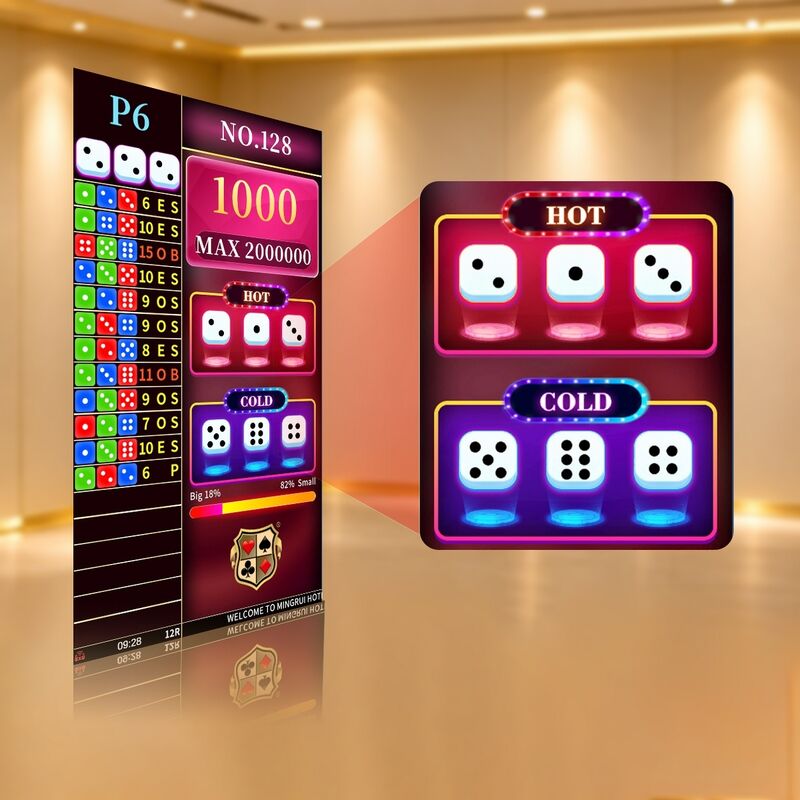
Three-Dice Information Display
The interface presents the results of three dice, allowing users to view each die's points within the same screen.
Combined Total Points
A dedicated section displays the total points of the three dice for convenient reference.
Big/Small and Odd/Even Results
Two separate result categories help organize the displayed game information.
Panther Special Combination Display
The software identifies triple combinations, with 1-1-1 and 2-2-2 shown as examples in the product image.
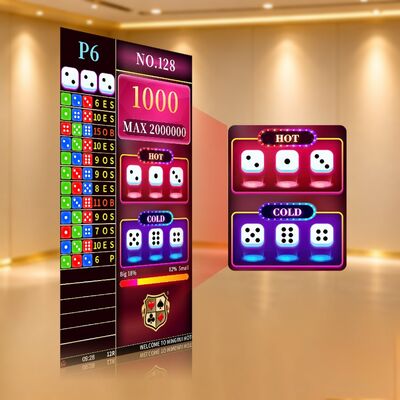
Hot and Cold Result Presentation
Separate Hot and Cold sections provide additional visual displays of selected dice combinations.
Historical Result Review
A side list presents previous game results, supporting the review of recorded rounds.
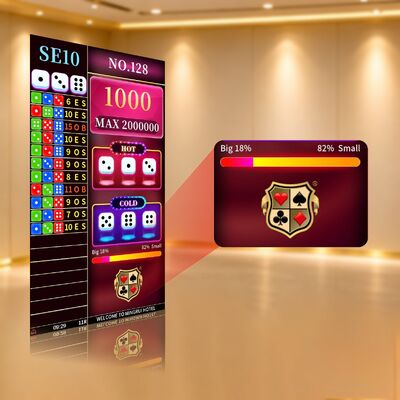
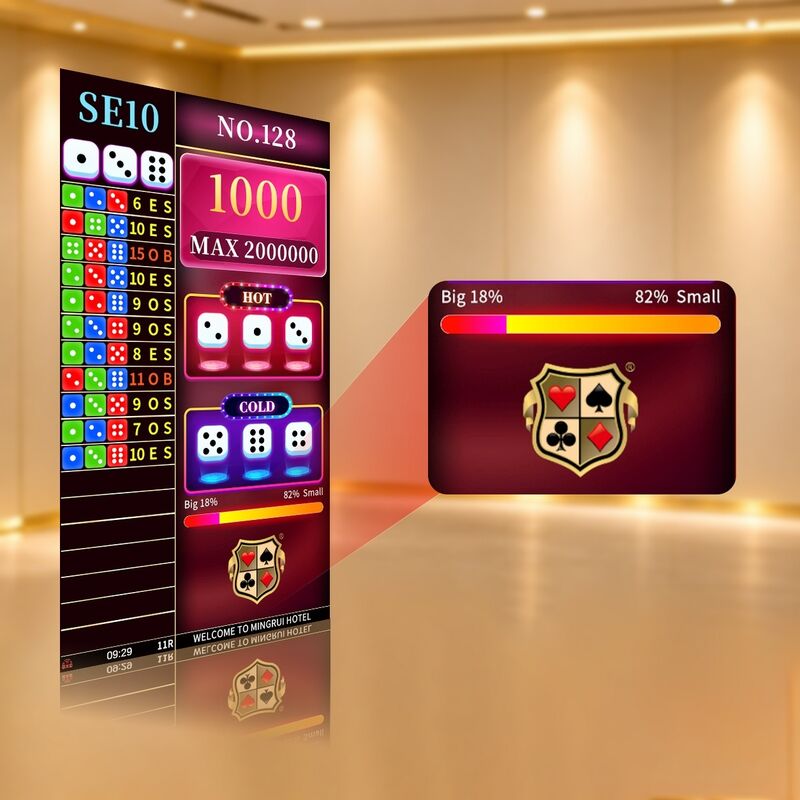
Percentage-Based Visual Statistics
The interface includes Big/Small percentage indicators to summarize the displayed historical information.
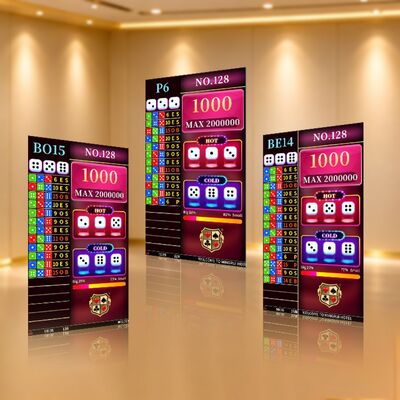
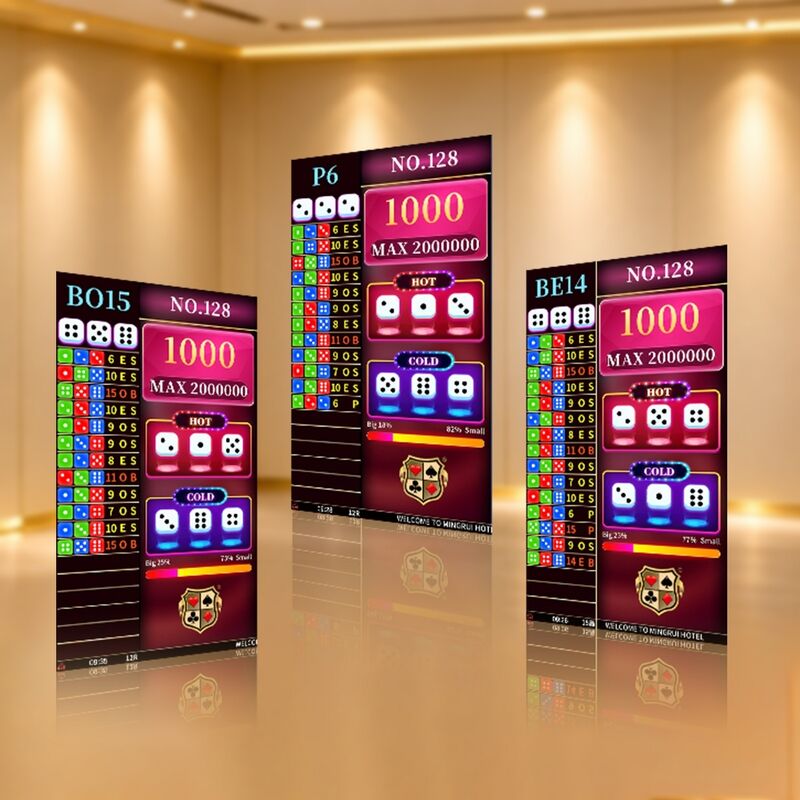
Multiple Result Layouts
Several interface examples demonstrate different combinations and result statistics, offering visual variety in the display.
PRODUCT DETAILS

FAQ
1. Does the software automatically recognize dice results?
Automatic dice recognition is not confirmed by the supplied image. The image only demonstrates the result display interface. Whether the software connects to an electronic dice device or supports automatic input must be verified separately.
2. Can game results be entered manually?
The image does not clearly show a manual entry window or input procedure. Please confirm whether manual entry is supported and whether an external keyboard, mouse, or other input device is required.
3. What hardware is required to run the software?
Computer specifications, monitor requirements, processor, memory, storage, and other hardware details are not provided in the image. The supplier should provide a recommended configuration based on the actual software version.
4. Does the software support multiple game tables?
The image contains several different interface labels and result examples, but it does not confirm simultaneous multi-table operation. Please specify the number of tables required so the supplier can check the available configuration.
5. Can the software interface be customized?
The image does not provide confirmed customization details. If you need a different language, logo, screen layout, table labels, result categories, or statistical display, please submit your requirements for technical evaluation.
6. What information should I provide when requesting a quotation?
Please provide the number of tables, intended display equipment, preferred language, operating system, required result categories, data storage needs, and any special interface requirements. If you have an existing Sic Bo system or reference screen, sharing its specifications will help the supplier evaluate compatibility and prepare a suitable quotation.
ABOUT US
Custom Acrylic RFID Casino Chips for Poker Table Games PRODUCT DESCRIPTION These custom acrylic RFID casino chips are engineered for poker table gaming scenarios. Built with integrated RFID technology, they enable quick identification and intelligent tracking. Boasting sturdy acrylic construction, ...
Casino RFID Baccarat Table with Custom Leather and Table Layout PRODUCT DESCRIPTION Personalize your baccarat table to suit the visual identity and operational layout of your gaming venue. The illustrated design features a blue padded rail, a printed betting layout and a black-and-gold base. ...
Customized RFID Chip Management Solution for Casino Operations PRODUCT DESCRIPTION This customized RFID chip management system adapts to diverse casino operational workflows. It supports tailored software settings for chip receiving, cashing out and inventory audits. Featuring fast RFID chip ...
Wholesale Ceramic Poker Chips for Casinos and Gaming Clubs PRODUCT DESCRIPTION These ceramic poker chips are intended for wholesale buyers serving casinos, gaming clubs, poker rooms, and gaming supply businesses. The displayed range includes two round chip sizes and a rectangular plaque option, ...

